Tenants Global View
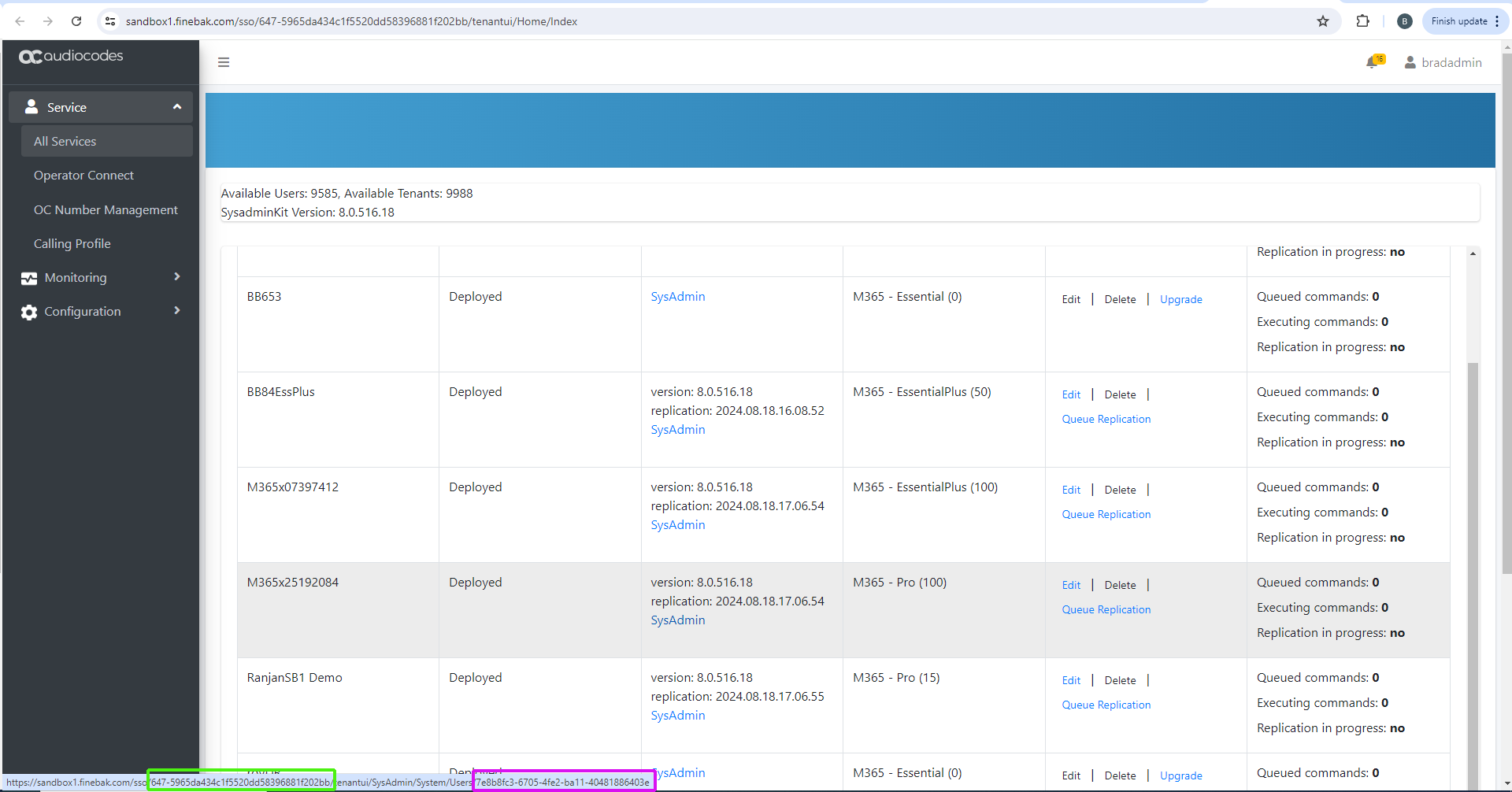
The following figure illustrates the screen elements and fields in the All Services page.
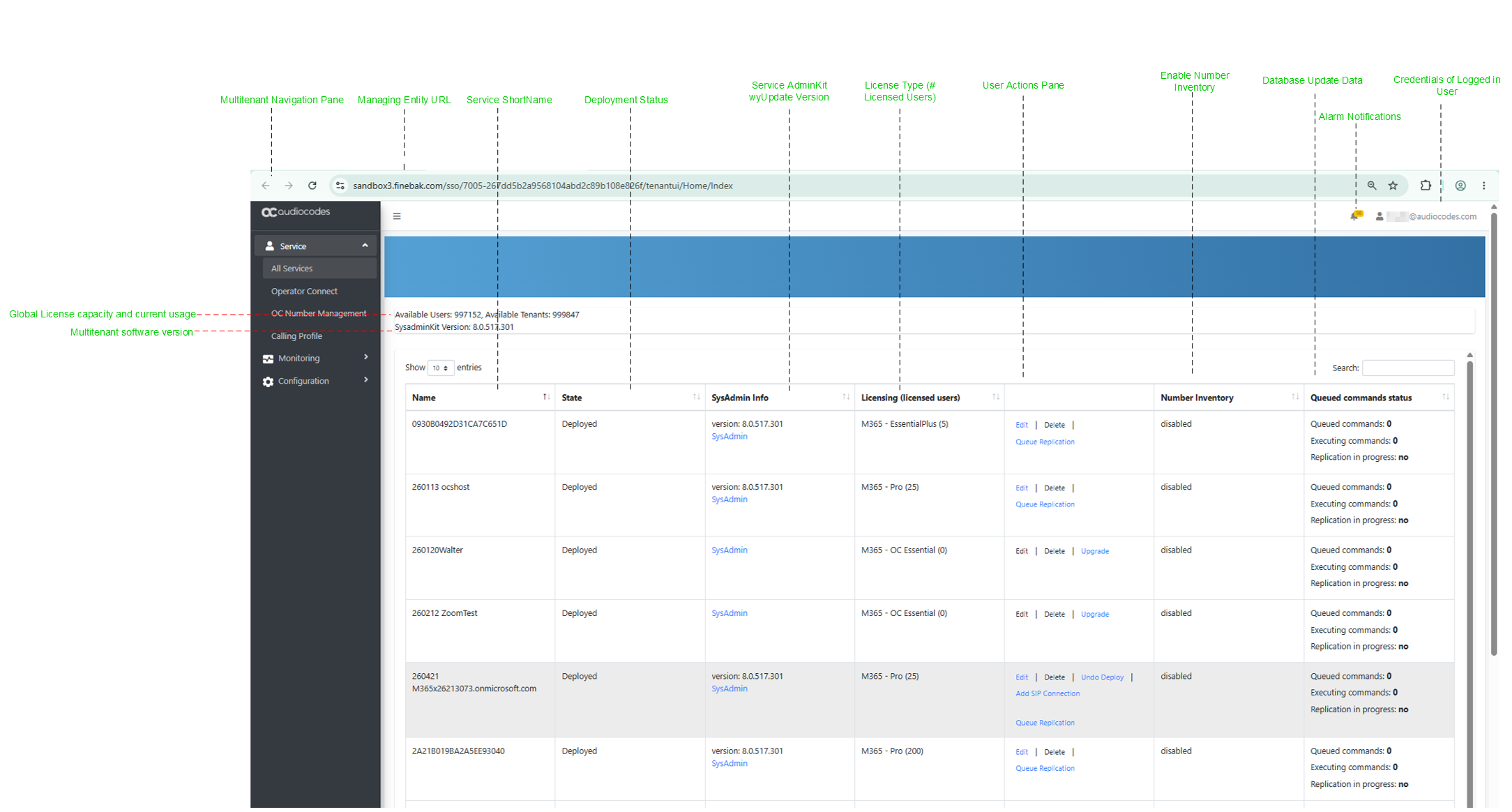
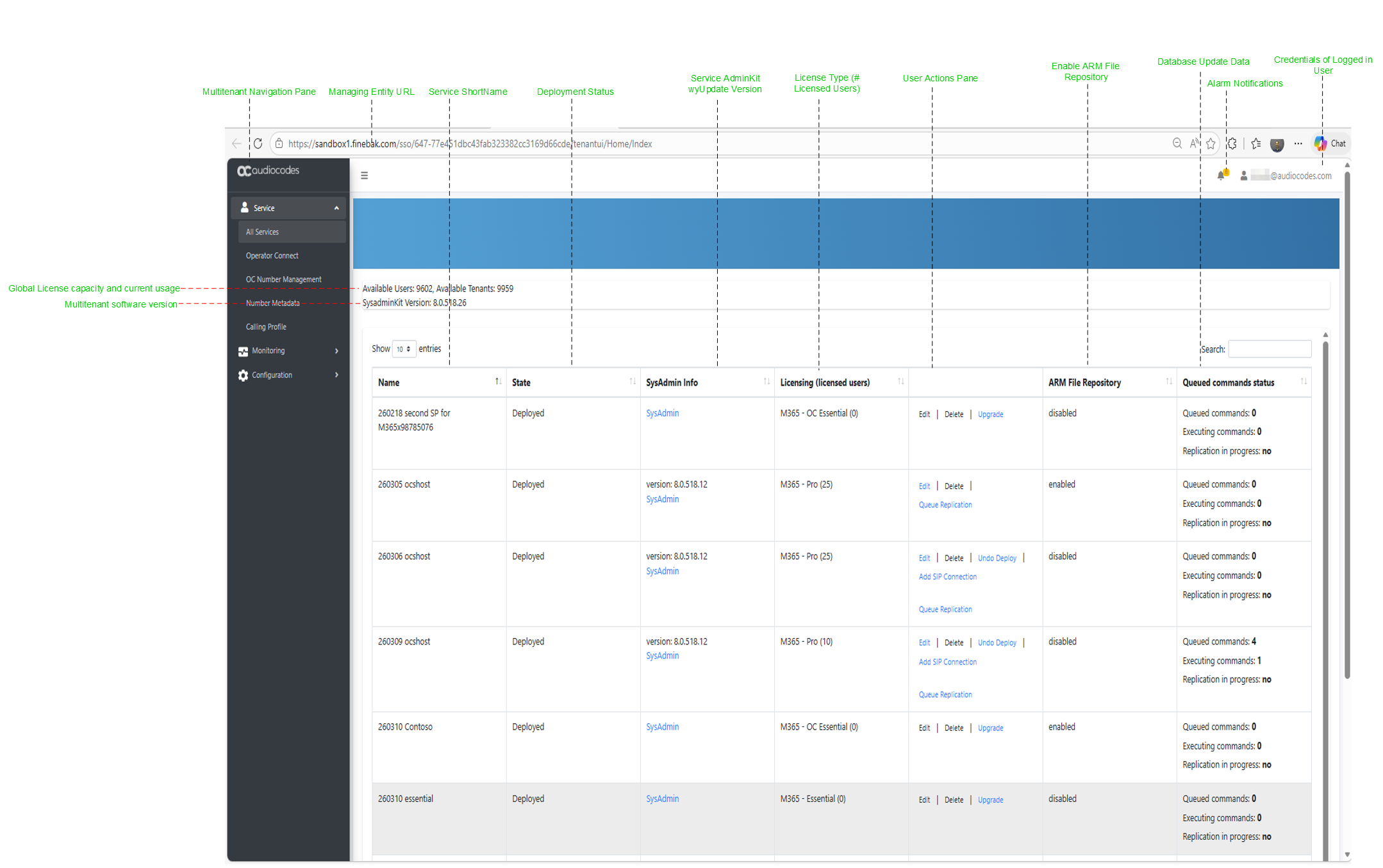
The Multitenant Services screen displays a quick glance status and monitoring summary of the customer-specific tenants.
|
Parameter |
Description |
|||||||||||||||||||||
|---|---|---|---|---|---|---|---|---|---|---|---|---|---|---|---|---|---|---|---|---|---|---|
|
Total Available Licensed Users and Customers |
|
|||||||||||||||||||||
|
SysAdminKit Info |
The wyUpdate installation SysadminKit version of the Multitenant (Main Tenant). See Updating Main UMP Tenant. |
|||||||||||||||||||||
|
Name |
The name of the deployed service. |
|||||||||||||||||||||
|
State |
The Deployment status for the service:
|
|||||||||||||||||||||
|
Sysadmin Info |
|
|||||||||||||||||||||
|
License Type (Licensed Users) |
The type of license and number of users licenses for each type:
|
|||||||||||||||||||||
|
User Actions pane |
This option is relevant for the Hosted Essentials Plus and Pro services.
|
|||||||||||||||||||||
|
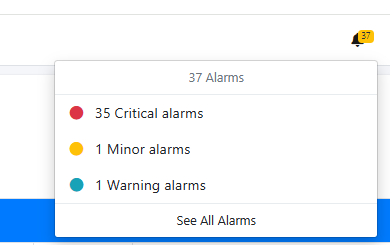
Alarm Notifications
|
Click the Notifications icon to display Active alarms for the user. |
|||||||||||||||||||||
|
User credentials |
Displays the credentials of the logged in user. |
|||||||||||||||||||||
|
Queued commands status |
|
|||||||||||||||||||||
|
Navigation pane |
Navigation pane Multitenant menu options. |
|||||||||||||||||||||
|
SysAdmin |
Opens the Service portal for the selected service (see Day Two Management using the Service Portal). |